
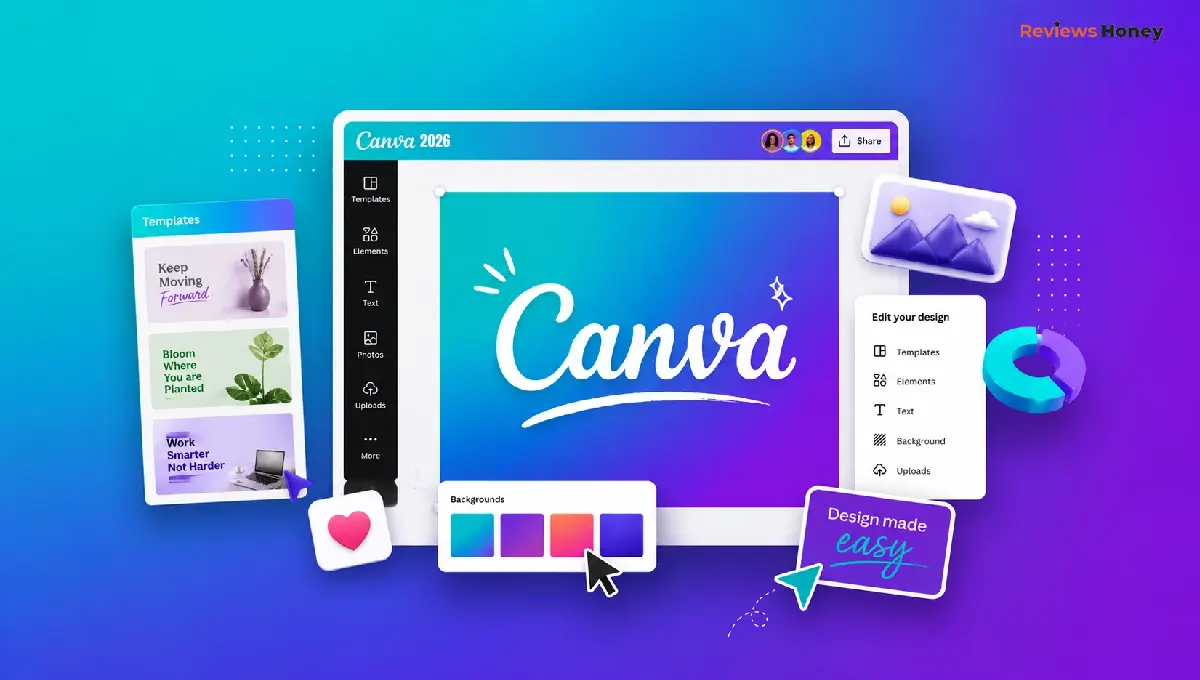
Canva has come a long way from being a simple drag-and-drop design tool. Today, it's a complete visual content platform used by marketers, freelancers, educators, small businesses, and even large organizations. With the addition of AI-powered tools, video editing, website creation, and collaborative workspaces, Canva has evolved into much more than a graphic design app.
But does upgrading to Canva Pro actually make a difference?
That's the question many users ask after hitting the limits of Canva's free plan. Premium templates, AI tools, stock assets, and Brand Kits are all locked behind a subscription, making it important to know whether the investment is worthwhile.
Quick Answer
If you're looking for a design platform that goes beyond basic templates, this Canva Pro review finds it to be one of the best value-for-money tools in 2026. It offers premium templates, AI-powered design features, Brand Kits, Magic Studio, background removal, and advanced collaboration tools. While the free version is excellent for casual users, Canva Pro is worth paying for if you regularly create marketing materials, presentations, social media content, or business designs.
What Is Canva Pro?
Canva Pro is the premium subscription of Canva that unlocks advanced design features, AI-powered creative tools, millions of premium templates, stock photos, videos, fonts, and brand management capabilities.
Unlike the free version, Canva Pro focuses on improving speed, consistency, and collaboration. Instead of building designs from scratch, users can quickly create polished content using professionally designed templates and AI-assisted editing.
Whether you're designing Instagram posts, presentations, resumes, business cards, YouTube thumbnails, or marketing campaigns, Canva Pro aims to simplify the entire creative process.
Canva Pro Review: First Impressions
The first thing you'll notice after upgrading is how much content becomes available instantly.
Thousands of premium templates, graphics, icons, videos, animations, and fonts are unlocked with a single subscription. Instead of seeing locked elements throughout your designs, you gain unrestricted access to a significantly larger creative library.
The interface remains one of Canva's strongest features. Everything is clearly organized, making it easy for beginners to create professional-looking designs without prior experience.
Navigation feels smooth, projects load quickly, and the learning curve is minimal.
Even users with no design background can begin creating social media posts, presentations, brochures, and marketing assets within minutes.
Key Features
Massive Premium Template Library
One of Canva Pro's biggest strengths is its enormous collection of professionally designed templates.
Templates cover almost every use case imaginable, including:
- Social media posts
- YouTube thumbnails
- Business presentations
- Infographics
- Posters
- Flyers
- Business cards
- Resumes
- Certificates
- Invitations
- Marketing materials
- Email banners
Instead of starting with a blank canvas, users can customize existing designs, saving considerable time.
For busy marketers and businesses, this feature alone often justifies the subscription.
Magic Studio AI
Artificial intelligence has become one of Canva's biggest priorities. Magic Studio includes several AI-powered tools that simplify creative work.
Popular AI features include:
- Magic Design
- Magic Write
- Magic Edit
- Magic Expand
- Magic Eraser
- AI image generation
- AI presentation creation
- AI translation
These tools reduce repetitive editing tasks while helping users generate ideas much faster.
Background Remover
Background removal remains one of Canva Pro's most useful features. Instead of manually editing images in dedicated photo-editing software, users can remove backgrounds with a single click. The results are surprisingly accurate for product photos, portraits, logos, and marketing graphics.
For ecommerce sellers, social media managers, and content creators, this saves a significant amount of editing time.
Brand Kit
Consistency matters for businesses, and Canva Pro's Brand Kit makes it incredibly easy.
Users can store:
- Brand colors
- Logos
- Fonts
- Templates
- Design elements
Every team member can access the same branding assets, helping maintain consistency across all marketing materials. For agencies and growing businesses, this is one of Canva Pro's most valuable capabilities.
Stock Photos, Videos, and Graphics
Rather than purchasing assets from multiple websites, Canva Pro provides access to millions of premium resources.
These include:
- Stock photos
- Videos
- Icons
- Illustrations
- Audio tracks
- Stickers
- Shapes
- Animations
Collaboration Tools
Canva has become increasingly team-friendly. Multiple users can collaborate on the same design in real time, leave comments, suggest edits, and organize projects inside shared folders. Permission controls help businesses manage who can edit, view, or publish designs. These collaboration features make Canva Pro suitable for marketing teams, agencies, and remote work environments.
Performance and User Experience
Throughout daily use, Canva Pro performs reliably across web browsers, desktop applications, and mobile devices. Designs generally load quickly, and editing remains responsive even when working with presentations, videos, or multi-page documents.
Cloud-based storage ensures projects stay synchronized across devices, allowing users to switch seamlessly between desktop and mobile editing. The platform also receives regular updates, introducing new AI features, templates, and productivity improvements without requiring manual software installations.
One area where Canva still falls short is advanced graphic design. While it's excellent for everyday marketing materials, professionals working with complex vector illustrations or detailed print production may still prefer dedicated software like Adobe Illustrator.
Canva Pro Pricing 2026
One of the biggest questions users ask before upgrading is whether the subscription offers enough value for the price. While Canva Pro pricing 2026 may vary slightly depending on your country, billing cycle, and promotions, the platform continues to offer monthly and annual plans for individuals, along with Canva Teams for businesses.
The annual plan usually provides better value than paying month-to-month, especially for users who create content regularly. Canva also offers a free trial, allowing you to test premium features before committing to a subscription.
When evaluating the cost, it's important to consider what you're getting. Canva Pro combines design software, stock media, AI tools, background removal, brand management, cloud storage, and collaboration features in one platform. Purchasing separate tools for each of these functions would typically cost much more.
For freelancers, content creators, and businesses producing visuals every week, the subscription often pays for itself through the time it saves.
Canva Free vs Canva Pro
Many users wonder whether the premium plan is truly necessary or if the free version is enough. Here's how they differ:
|
Feature |
Canva Free |
Canva Pro |
|
Templates |
Limited |
Millions of premium templates |
|
Stock Photos & Videos |
Basic library |
Premium content library |
|
Brand Kit |
No |
Yes |
|
Background Remover |
No |
Yes |
|
Magic Studio AI |
Limited access |
Full access (within usage limits) |
|
Magic Resize |
No |
Yes |
|
Cloud Storage |
Limited |
More storage |
|
Team Collaboration |
Basic |
Advanced collaboration tools |
|
Content Planner |
No |
Yes |
The free version remains one of the best design platforms for casual users. However, Canva Pro significantly improves productivity for anyone creating content on a regular basis.
Canva Pros and Cons
Every design platform has strengths and limitations. Understanding the Canva pros and cons helps determine whether it's the right fit for your workflow.
Pros
Beginner-Friendly Interface: Canva's biggest advantage is its ease of use. Even users with no design experience can create professional-looking graphics in minutes.
Huge Template Library: Millions of templates cover almost every type of content, reducing the need to design from scratch.
Powerful AI Features: Magic Studio speeds up content creation with AI-assisted writing, image editing, presentation generation, and design suggestions.
Excellent Collaboration: Teams can work together in real time, making Canva Pro suitable for agencies, businesses, and remote teams.
Brand Management: Brand Kits help maintain consistent colors, fonts, and logos across every project.
Cons
Limited Advanced Graphic Design: Professional designers may find Canva restrictive compared to software like Adobe Illustrator or Figma.
AI Usage Limits: Although Canva includes powerful AI tools, some features have monthly usage limits depending on the subscription plan.
Internet Dependency: Since Canva is primarily cloud-based, a stable internet connection provides the best experience.
Premium Assets Require Subscription: Many of Canva's strongest templates, graphics, and stock assets remain exclusive to Pro subscribers.
Is Canva Pro Worth It?
So, is Canva Pro worth it in 2026?
For most users who create visual content regularly, the answer is yes.
The combination of premium templates, AI-powered tools, Brand Kits, background removal, stock media, collaboration features, and cloud storage provides substantial value. More importantly, Canva Pro helps users complete projects faster, maintain consistent branding, and produce professional-quality designs without advanced design skills.
If you only design occasionally, the free plan is still an excellent option. But for businesses, marketers, freelancers, educators, and creators publishing content every week, upgrading to Canva Pro is a worthwhile investment.
Final Verdict
After thoroughly evaluating its features, usability, and overall value, this Canva Pro review concludes that the platform remains one of the best investments for creators and businesses in 2026. It strikes an impressive balance between simplicity and functionality, allowing beginners and professionals alike to produce polished designs quickly.
Its AI-powered Magic Studio, extensive premium asset library, Brand Kits, collaboration tools, and intuitive interface make everyday design tasks significantly more efficient. While advanced designers may still rely on specialized software for complex illustration or product design, Canva Pro excels at creating marketing materials, presentations, social media content, business documents, and branded visuals.
If your work involves creating visual content consistently, Canva Pro is worth it. The subscription saves time, improves workflow, and delivers enough premium features to justify the cost for most freelancers, educators, marketers, startups, and small businesses.
Frequently Asked Questions
Q1. Is Canva Pro worth paying for in 2026?
Yes. Canva Pro is worth paying for if you regularly create marketing materials, presentations, social media graphics, videos, or branded content. The premium features can significantly improve both productivity and design quality.
Q2. What is included in Canva Pro?
Canva Pro includes premium templates, Brand Kits, Magic Studio AI tools, background removal, stock photos and videos, Magic Resize, cloud storage, collaboration features, and content planning tools.
Q3. What is Canva Pro pricing 2026?
Canva Pro is available through monthly and annual subscription plans, with pricing varying by region and user type. The annual plan generally offers better value than paying monthly.
Q4. Can beginners use Canva Pro?
Absolutely. Canva Pro is designed with beginners in mind. Its drag-and-drop editor, templates, and AI-powered tools make it easy to create professional designs without prior experience.
Q5. What are the biggest Canva pros and cons?
The biggest advantages include ease of use, premium templates, AI features, Brand Kits, and collaboration tools. The main limitations are restricted advanced design capabilities and premium features requiring a paid subscription.